A few minutes of setting up gives each child their own Door, so the app always opens their learning at their level.
Three words you will meet in this guide:
- Door: each child has their own Door on the Doors screen, with their name above it. The app always opens at the Doors screen.
- Glade: a child taps their Door to enter their Glade, a forest clearing that is their own learning area.
- Totem: a tall carved post in the Glade. Each totem opens one kind of learning, such as CLIC or Learn Its.
Who can do this: the adult who set up the children on bigmaths.website.
Create your account. In your own browser, go to bigmaths.website. Create your adult account and add each child. The app has no web links; where a website step is needed, it shows a short note instead.
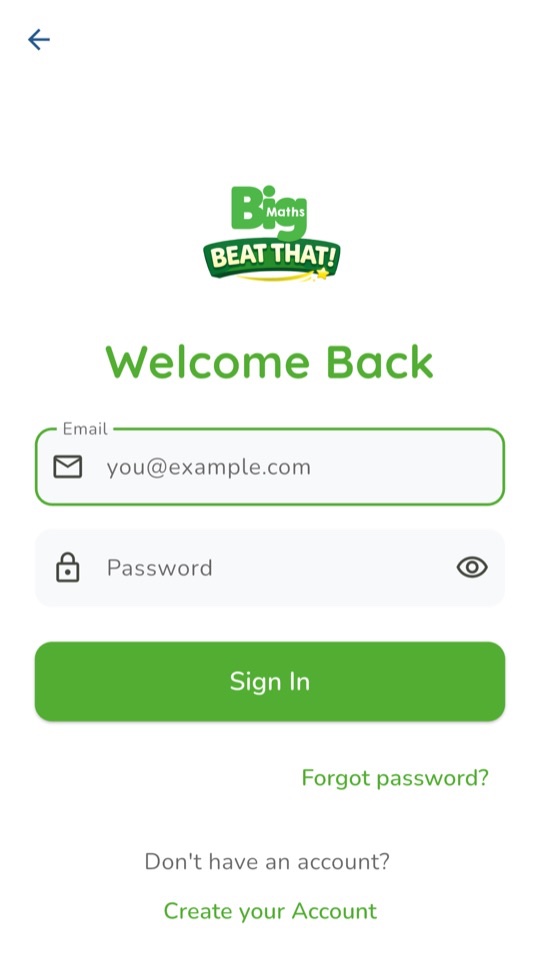
Sign in once while online. Open the app and sign in with the same email and password. This brings your children onto the device. Children never need a password of their own. On the sign-in screen, Create your Account shows a note that a grown-up sets up accounts on the website.
Choose which children use this device. If your account has two or more children, a list of their names appears next. Tick the children who use this device, then tap Show these doors. Or tap All children.
This device then shows only those children's Doors until you sign out. It helps tutors and teachers give each shared device to a small group. To change the group, sign out and sign in again. A child you add later on the website also appears after you sign out and sign in again.
Choose a Door. Each child's name is on a wooden sign above their Door. They tap their Door once to enter their Glade. On a shared device, check the name together first.
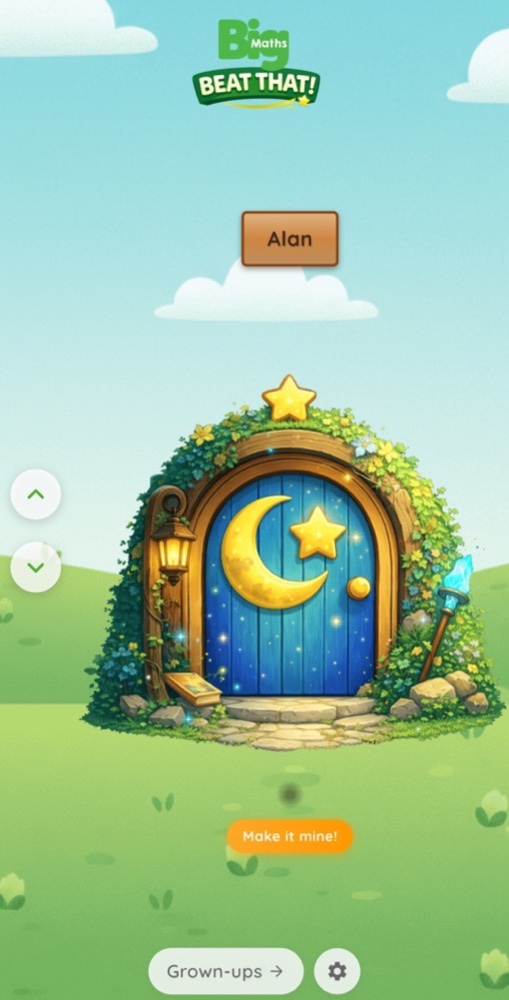
Make it mine! The orange button under each Door lets a child choose their Door and the name on it. Even children who cannot yet read can then spot it.
By the way…
Let your child do the choosing in Make it mine! A Door they picked themselves is one they are glad to open.